Book a Tasker in 10 Minutes: How Qwikyo Instant Book Works
Need someone now? Qwikyo Instant Book matches you with a nearby tasker in minutes. Learn how instant booking works, when you get matched, and what happens if no tasker is online.
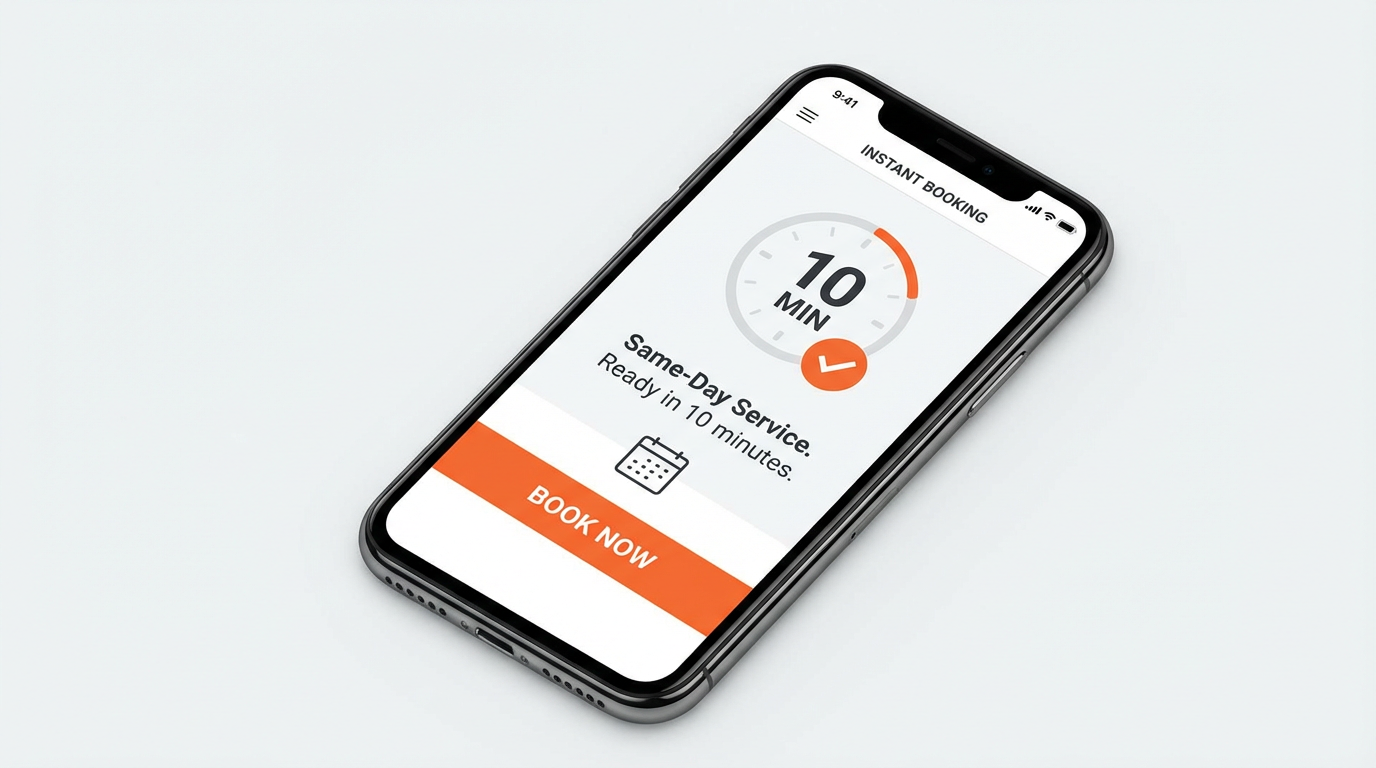
Book a Tasker in 10 Minutes: How Qwikyo Instant Book Works
When you need help now—a quick repair, a pickup, or someone to lend a hand—waiting for quotes isn't ideal. Qwikyo Instant Book is built for that: you enter your location and budget, and we match you with a nearby online tasker in minutes, or save your request and match you when one becomes available.
What Is Instant Book?
Instant Book is Qwikyo's fast booking flow. You choose Instant Book, enter what you need, where you are, and your budget. If a verified tasker is online and within range, we assign them to your job and notify them. You see the assignment and can track status (e.g. accepted, on the way, arrived). If no tasker is online nearby, we still save your request and match you when a tasker goes online in your area.
When Will I Get Matched?
- Tasker online nearby: You can get matched within minutes.
- No one online: Your request is stored. When a tasker in your area goes online, we can notify them about your job. "10 minutes" is the target when supply is available.
What Happens After I'm Matched?
Once a tasker is assigned, they can accept or reject. When accepted, they update status: on the way → arrived → in progress → completed. You see these updates in the app or on the web. All instant-book jobs are stored as tasks but are not shown in the public browse feed—only to you and the matched tasker.
Summary
Qwikyo Instant Book lets you book a tasker in as little as 10 minutes when someone is online nearby. Try it from the Instant Book page or the app.